Live Demo
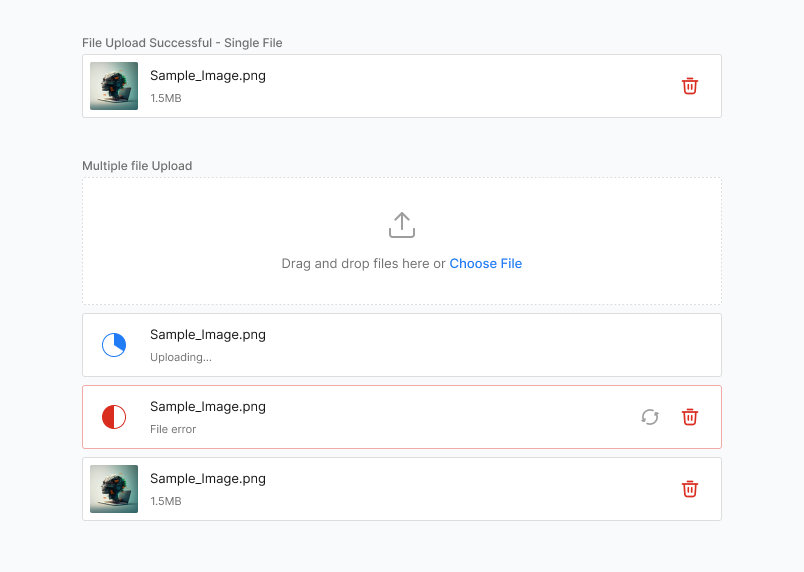
Drag and drop files here or Choose File
Anatomy
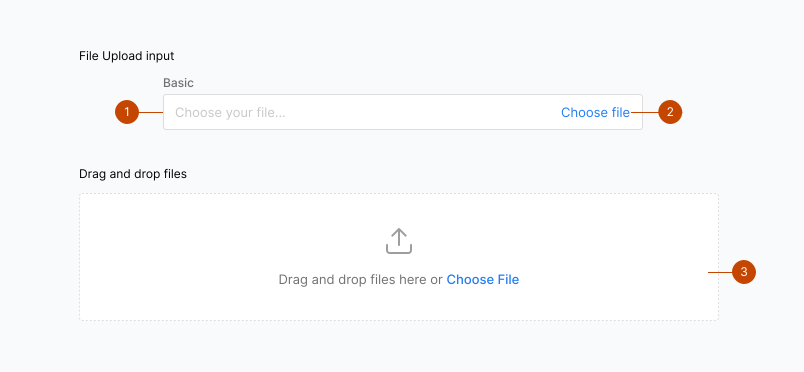
- Input field
- Button
- Drag and drop
Status
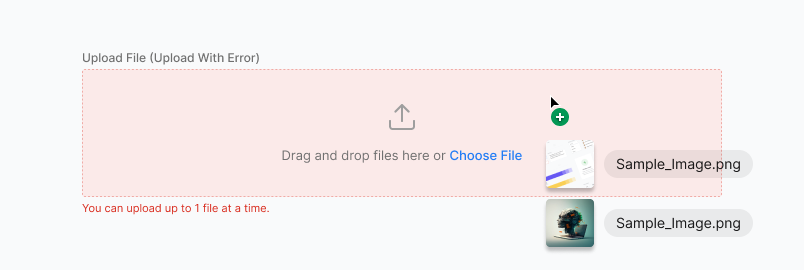
File Upload inherits the status properties of Input — none, success, warning, error, loading.
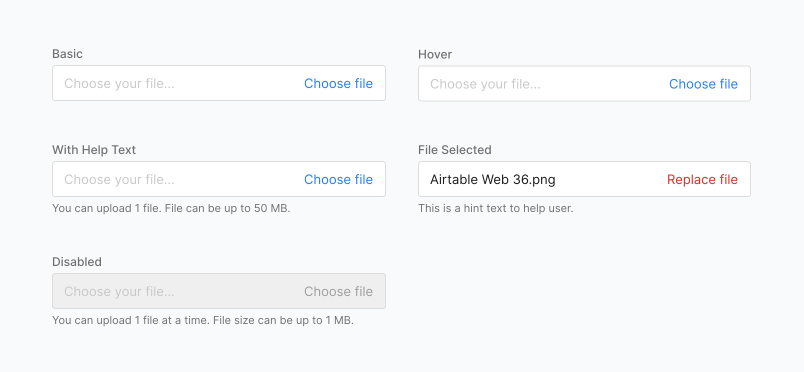
Clearable: File Upload can be set to be clearable
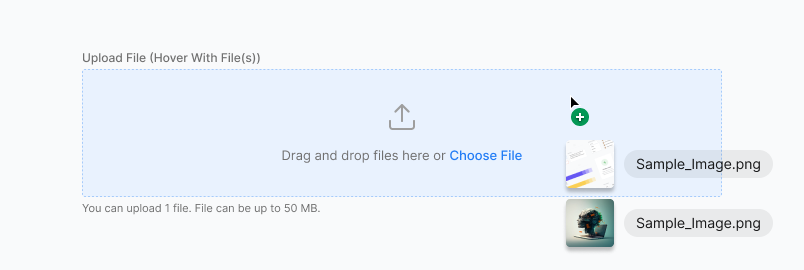
Drag and drop
A drag and drop area is same as the form field itself. Files can be clicked and uploaded or they can be dragged and dropped into the form field area.
Status

Size
File Upload can be displayed in large, medium and small sizes.
Guidelines
- Uploading one or more files.
- Show the process of uploading for the user to identify the file is being uploaded while they wait.
- Do not use upload in a modal when multiple files are uploaded.