Live Demo
Anatomy
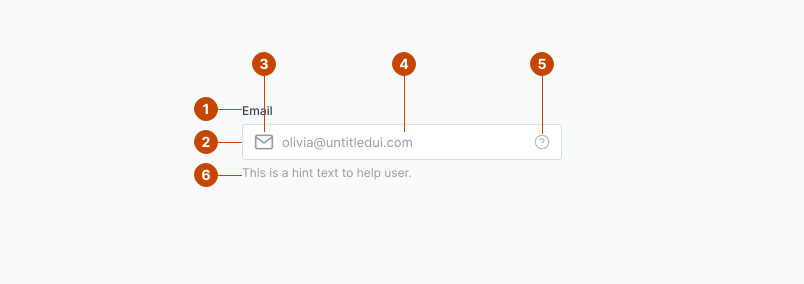
- Label
- Input
- Leading icon
- Placeholder Text
- Tailing icon
- Helper text
Variation
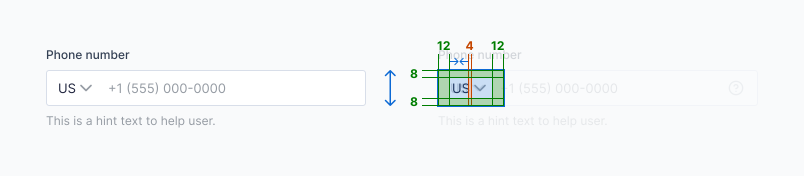
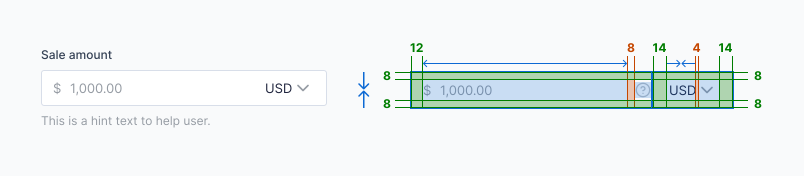
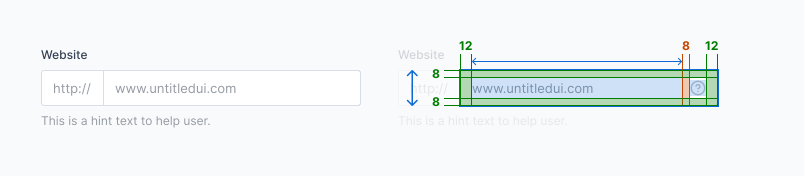
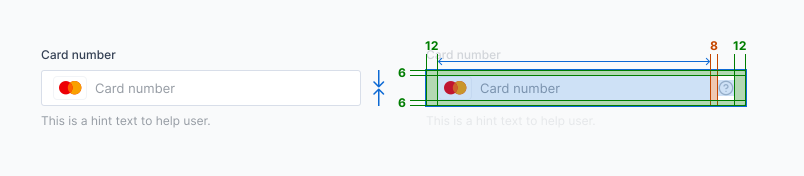
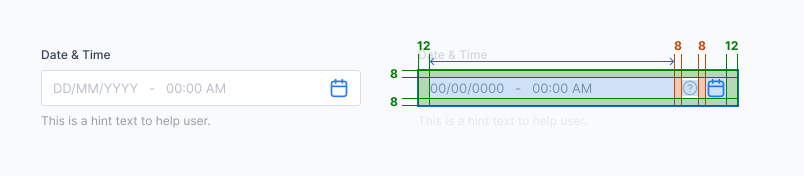
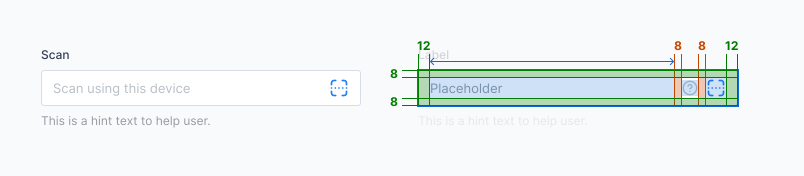
There are a list of variation in input field including email address, contact number, currency, external links, card details, scanner and datalist.
Label
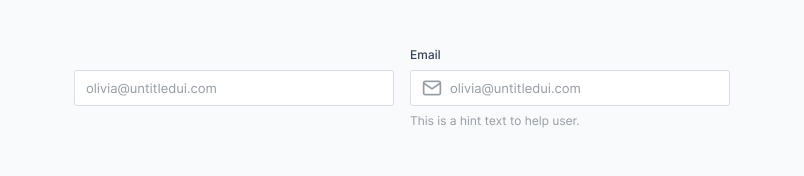
Phone
Sale
Website
Card
Date
Scan
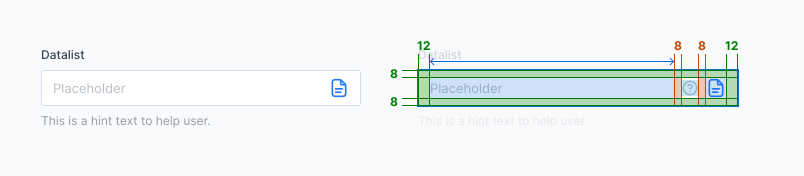
Datalist
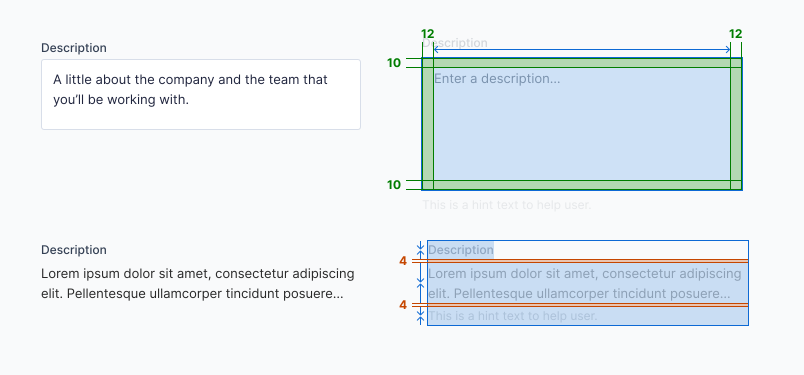
Description
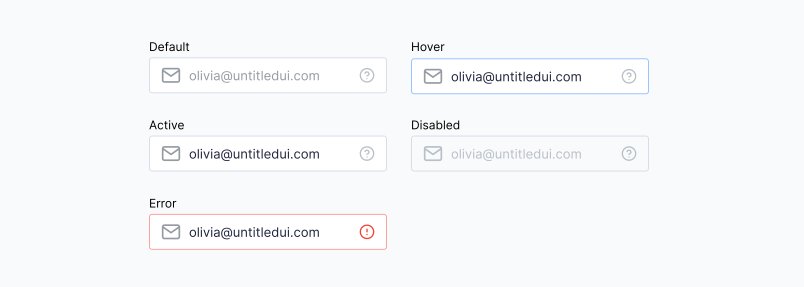
State
Input Icon inherits the status properties of Input — Default, Hover, Active, Disabled, Error.
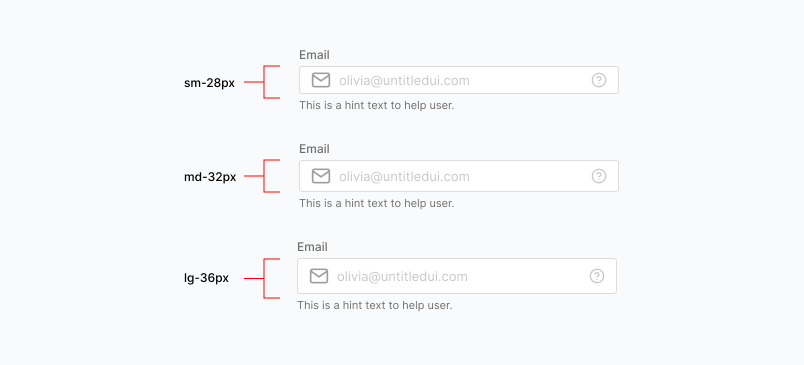
Size and shape
Inputs can be displayed in large, medium and small sizes.
They can also be displayed in squared, curved or rounded edges.
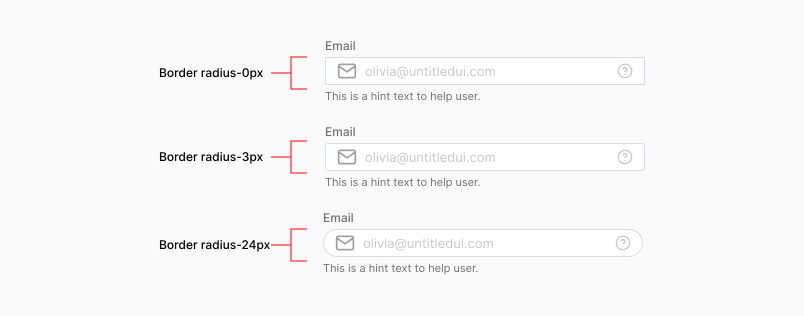
layout
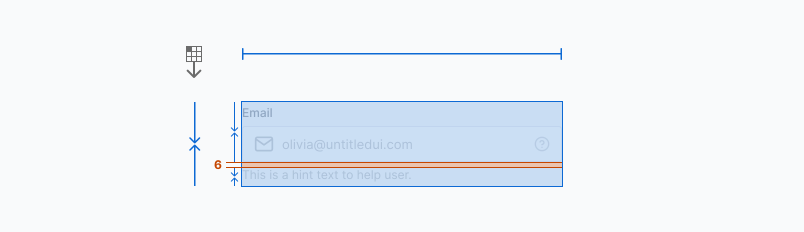
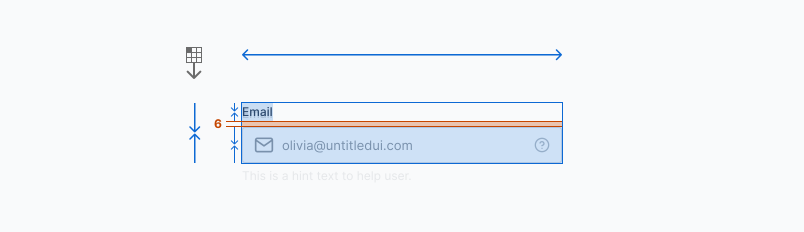
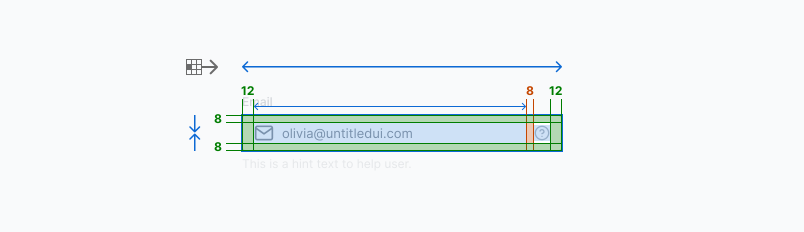

Guidelines
- Keep input labels brief and use placeholder or supporting text to add additional explanatory information if necessary.
- Use a Input Icon to clarify the value an input field.
- Do not remove field borders.
- If you limit the number of characters in a field, you should display a counter to inform the user of the limitation.
- Field widths should roughly approximate the intended input. A field for a three-character month, for example, shouldn’t appear to accommodate twenty characters.
- Use status to provide user feedback for errors and warnings.